
01 / SOURCES
Three structure sources
Three ways to start: selected text, multiple text frames, or an outline typed into the panel.
For editors and production staff working on textbooks, monographs and training material: start from selected text, multiple text frames or an outline typed into the panel, then build an editable map; relationship lines, boxes, summaries and publication marks live in the same panel, and the result lands on the current page.
For knowledge maps and relationship diagrams in textbooks, monographs and training material.
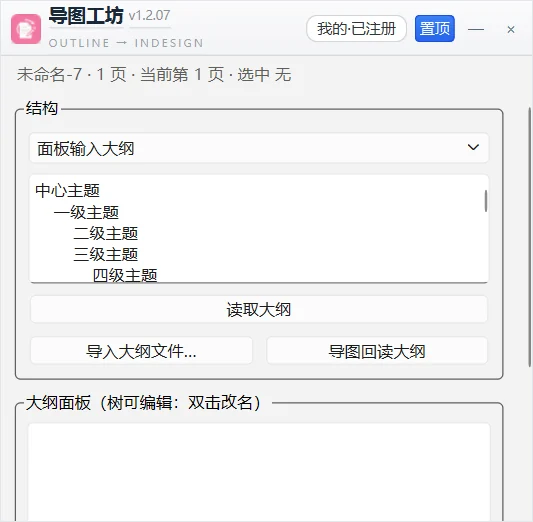
Three ways to start: selected text, multiple text frames, or an outline typed into the panel.
Import outlines from Markdown (.md/.txt), FreeMind (.mm) and XMind (.xmind); read a built map back as an indented outline for further editing.
Editable outline tree: rename by double-click, add, delete, re-level and reorder, synced back to the outline text.
Interactive build mode: add nodes one by one on the page, with arrange and auto-arrange.
Publication-ready layout: five directions (radial, right, left, down, up) with mirroring; per-level size, font and colour; 10 FZ font presets plus any installed font name.
Relationship lines and publication marks: link, box and summary commands; ruby, corner marks and Pantone colours; six arrow styles.
Demo data only (synthetic samples); click to enlarge.
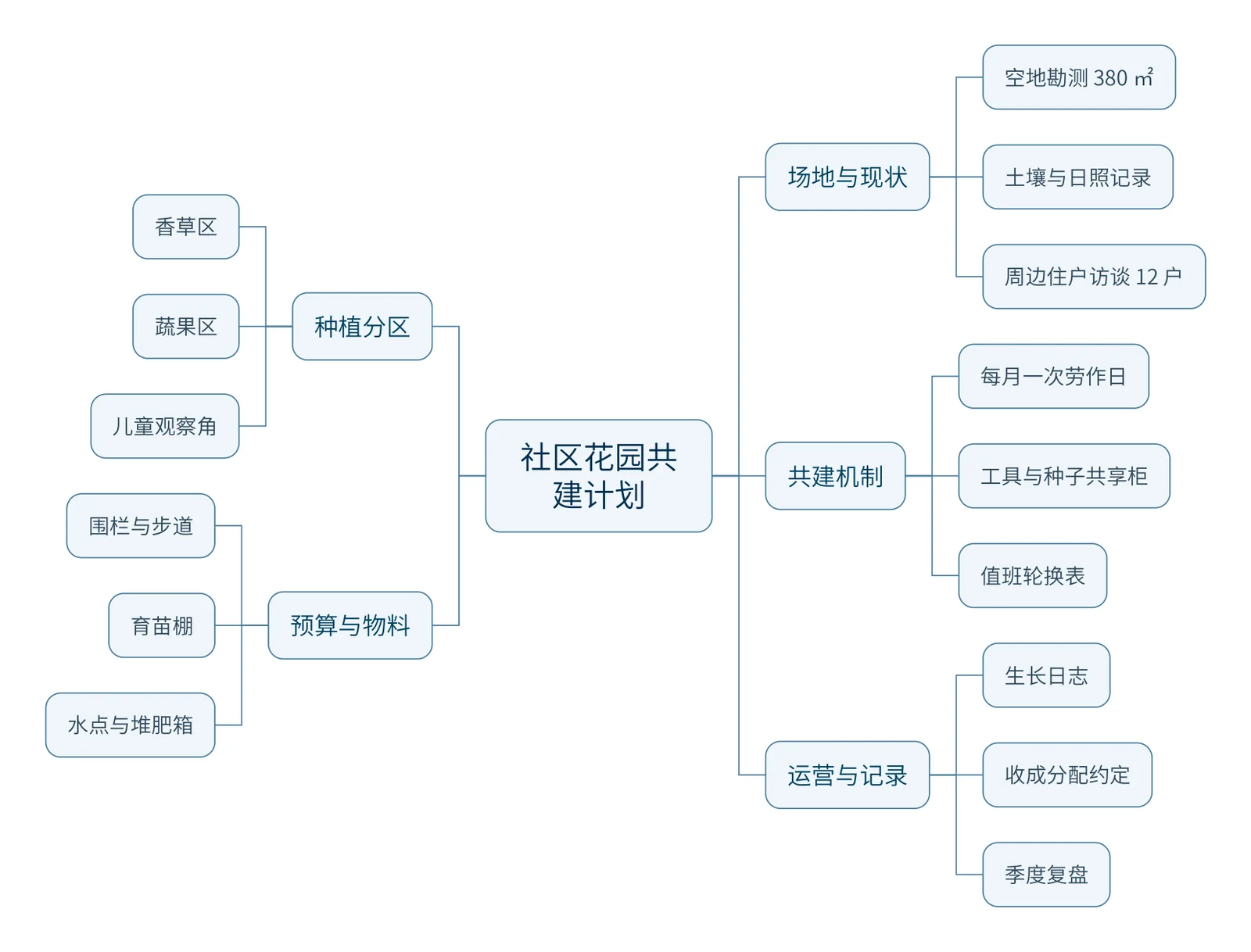
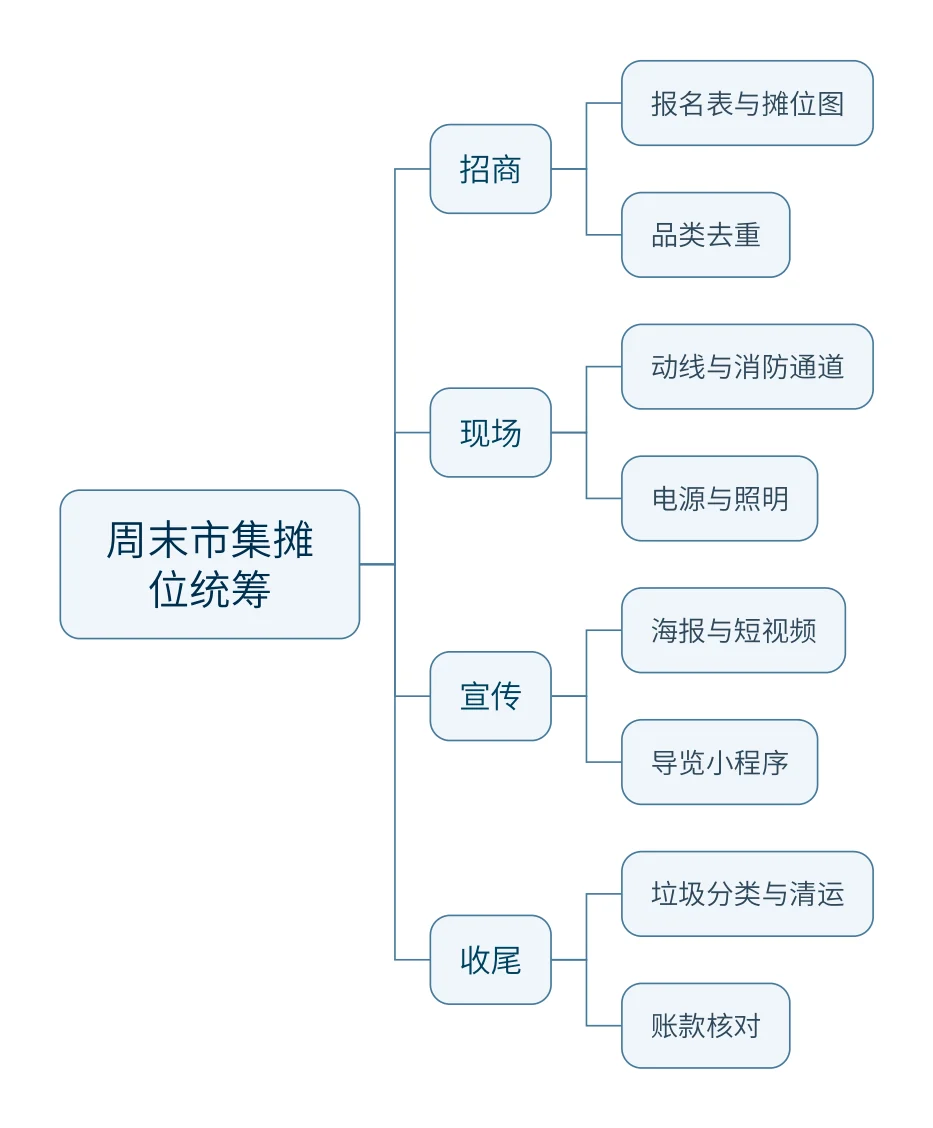
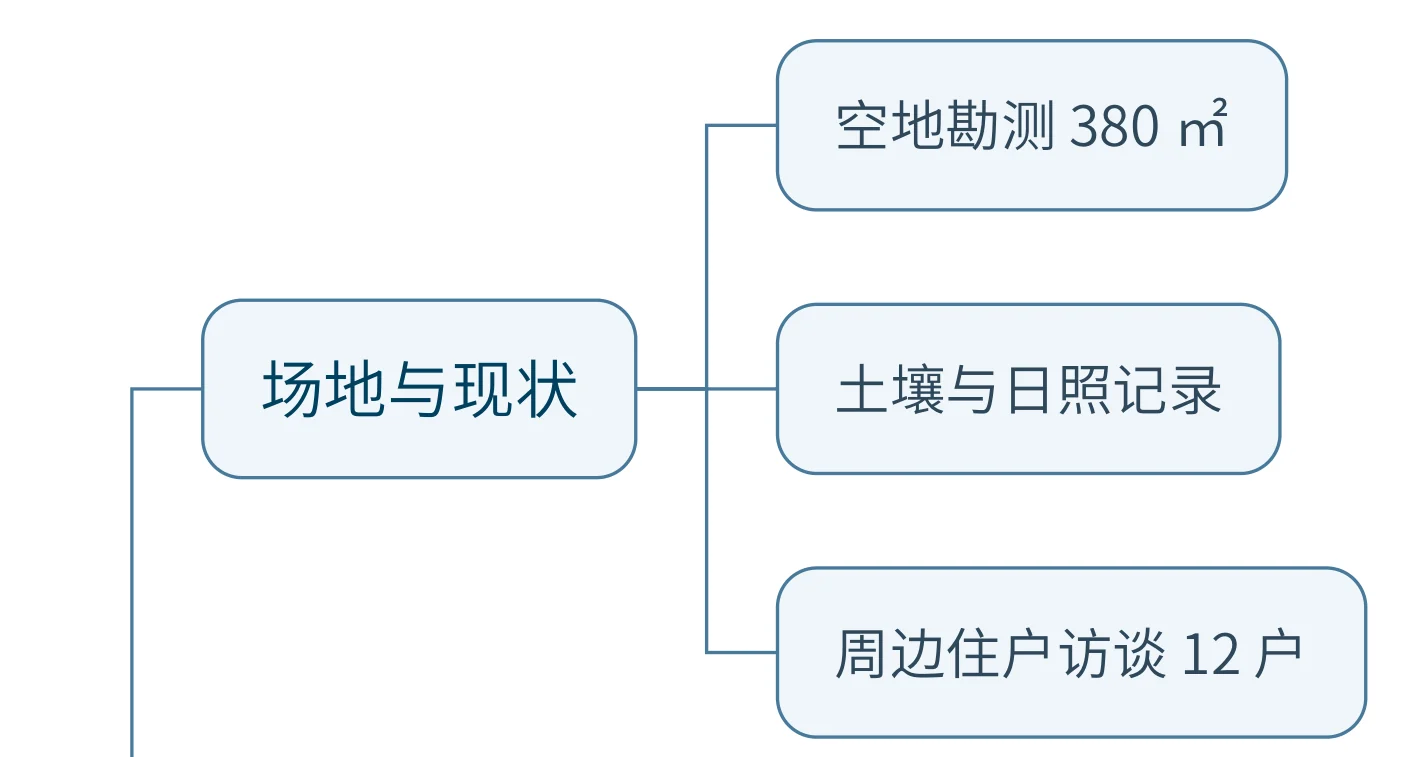
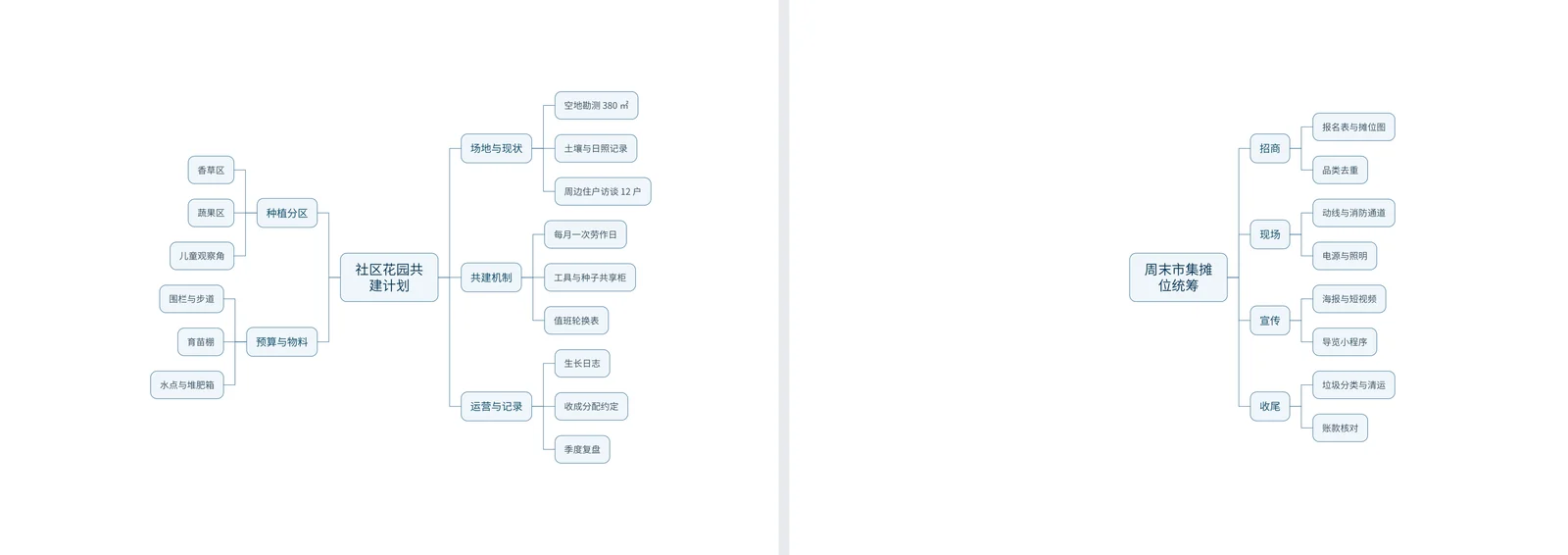
Selected text, multiple text frames or a panel outline; Markdown / FreeMind / XMind import is also supported.
Rename, add, delete, re-level and reorder in the outline tree; switch to node-by-node build mode as required.
Five directions with mirroring; per-level size, font and colour; add relationship lines, boxes and summaries as required.
The result is placed on the current page and grouped; read it back as an indented outline to continue editing.
The result consists of native InDesign page objects and is grouped automatically; it can be ungrouped, edited, recoloured and extended with further relationship lines.
Perpetual licence, one machine per card. Activation requires one online check. Before activating on a new machine, unbind the original device and enter the card key on the new device.
Select “Buy now” on this page or in the product overview. After payment, the installer is available under “My tools” in the account centre.
Perpetual licence · one card per machine · automatic updates · one online activation
 Beijing Public Security Filing 11010502063040