
01 / PINYIN GUIDE
Pinyin Guide readings kept
Word's Pinyin Guide comes into InDesign as-is, preferring the readings proofread in Word.
For children's books, pinyin textbooks and language workbooks: Pinyin Guide readings, styles, tables, inline images and page numbers move from Word into InDesign under checkable rules; a post-import read-back reports type size, text width and ruby counts item by item.
For production and editorial staff working on children's books, pinyin textbooks and language workbooks.
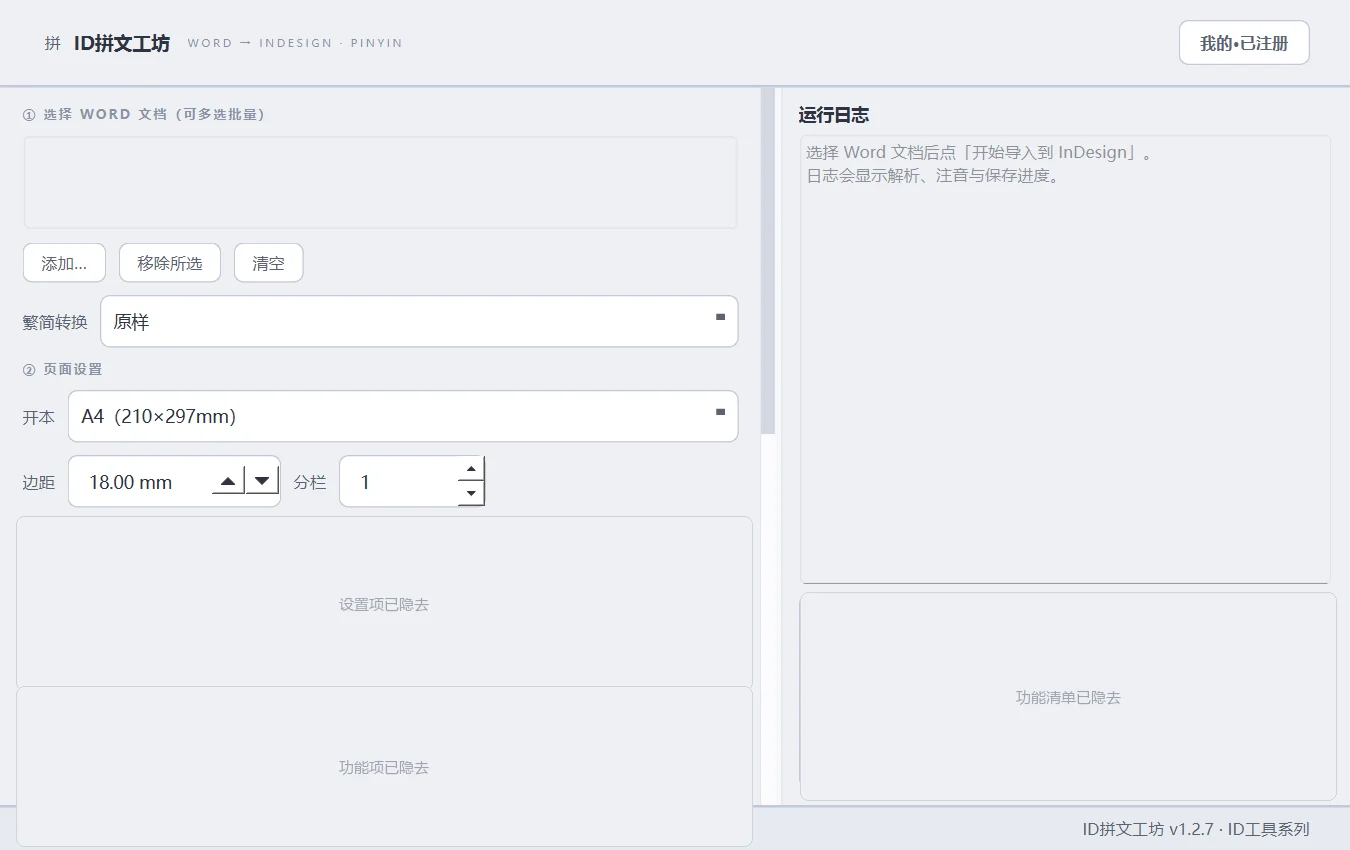
Word's Pinyin Guide comes into InDesign as-is, preferring the readings proofread in Word.
Word-level joining uses a 47,111-entry dictionary; in both per-character and per-word modes each character carries only its own syllable.
Eight pinyin fonts (RjPinyin, follow body text, Arial, Times New Roman, SimSun, SimHei, KaiTi, Microsoft YaHei) and five page presets (A4, B5, 16mo, 32mo, large 16mo).
Five tone colours, shared by the ruby and the HTML preview.
Long documents flow across pages and link text frames (up to 400 pages); limits and hidden text are logged; a post-import read-back self-check reports item by item.
One-click tracing sheets (tianzige or four-line grids with pinyin), automatic extraction of inline images at original size, and batch import of multiple Word files with a per-file summary.
Demo data only (synthetic samples); click to enlarge.





Select one or more Word files; perform simplified/traditional conversion first if required.
Five page presets, eight pinyin fonts; set the ruby layout and tone colours for the target readers.
Long documents flow automatically and link text frames; inline images are placed at original size.
A post-import check reports type size, text width and ruby counts item by item.
The Pinyin Guide is imported into InDesign as-is, preferring the readings proofread in Word.
Perpetual licence, one machine per card. Activation requires one online check. Before activating on a new machine, unbind the original device and enter the card key on the new device.
Select “Buy now” on this page or in the product overview. After payment, the installer is available under “My tools” in the account centre.
Perpetual licence · one card per machine · automatic updates · one online activation
 Beijing Public Security Filing 11010502063040