
01 / 40 OPS
40 operations in five groups
Appearance and headers (10), sizing (6), data cleanup (14), sorting and cross-page (5), style library (5); the parameter bar follows the selection.
A batch table toolkit for book, yearbook, textbook and corporate-report production in InDesign: long tables finish according to yearbook conventions, numeric columns align on the decimal point, and tables round-trip with Excel. Results are applied to the open document immediately, with single-step undo and time-stamped backup rollback.
For publishing houses, yearbook compilers, journal editors, production outsourcers and corporate report builders.
Pick any 2 ID tools for 10% off, 3 or more for 20% off (combined-payment bar on the buy page).

Appearance and headers (10), sizing (6), data cleanup (14), sorting and cross-page (5), style library (5); the parameter bar follows the selection.
Group labels reappear at the page break with no gap left behind; continuation captions sit above each header and number in order.
Decimals align on one vertical axis per column with right-hanging indents; rows colour by value range or matching text, with header rows excluded.
Import XLSX through the native channel (merged cells map automatically), export each table to its own worksheet, export RTF, and list every table in one report.
Sort by up to eight keys; presets refill in one click and the whole set exports to another machine.
Each run counts as one undo step; with “Save a copy” enabled, every run keeps an independent time-stamped backup, retaining the latest five.
All demo data (synthetic). Click to enlarge.
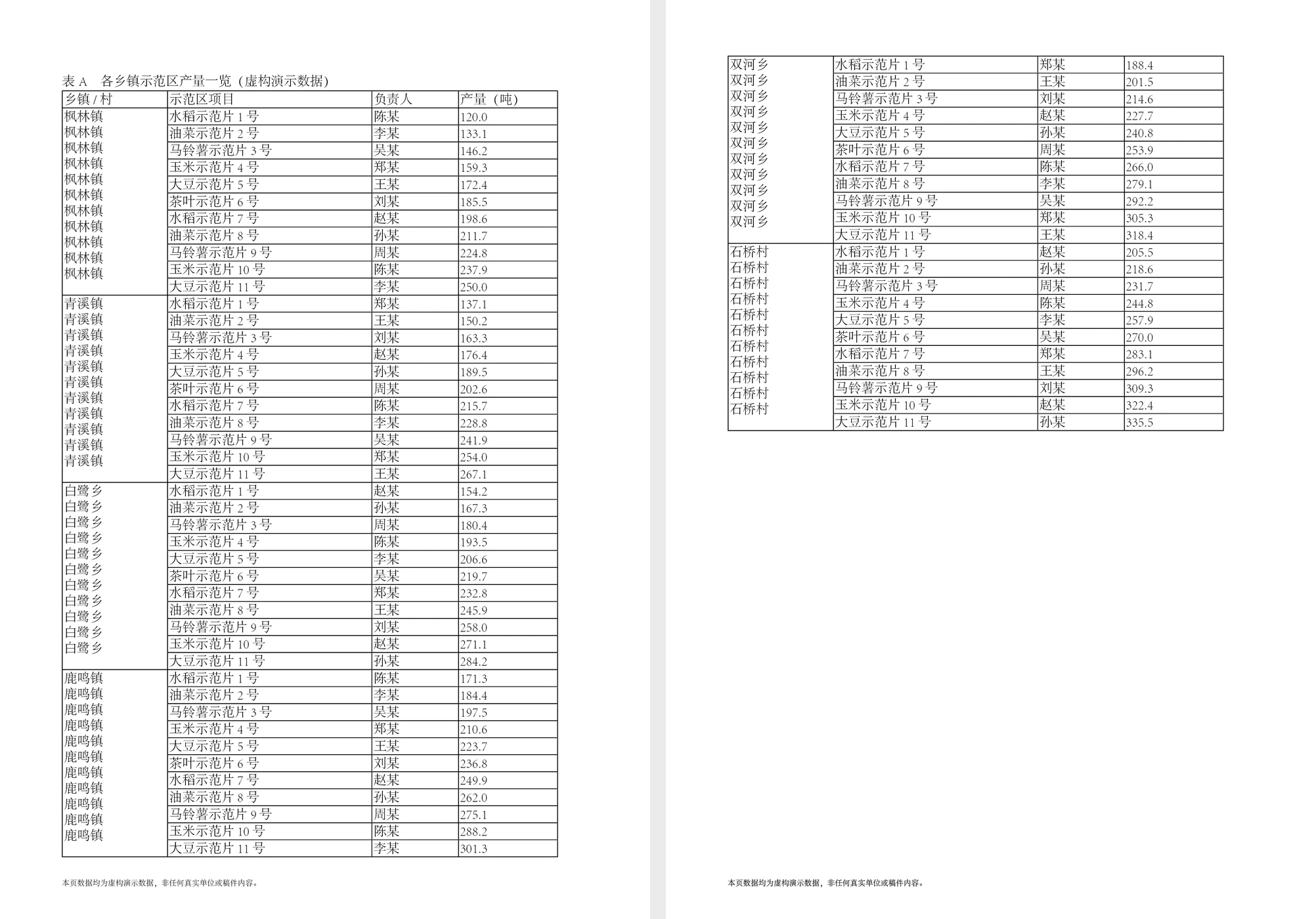
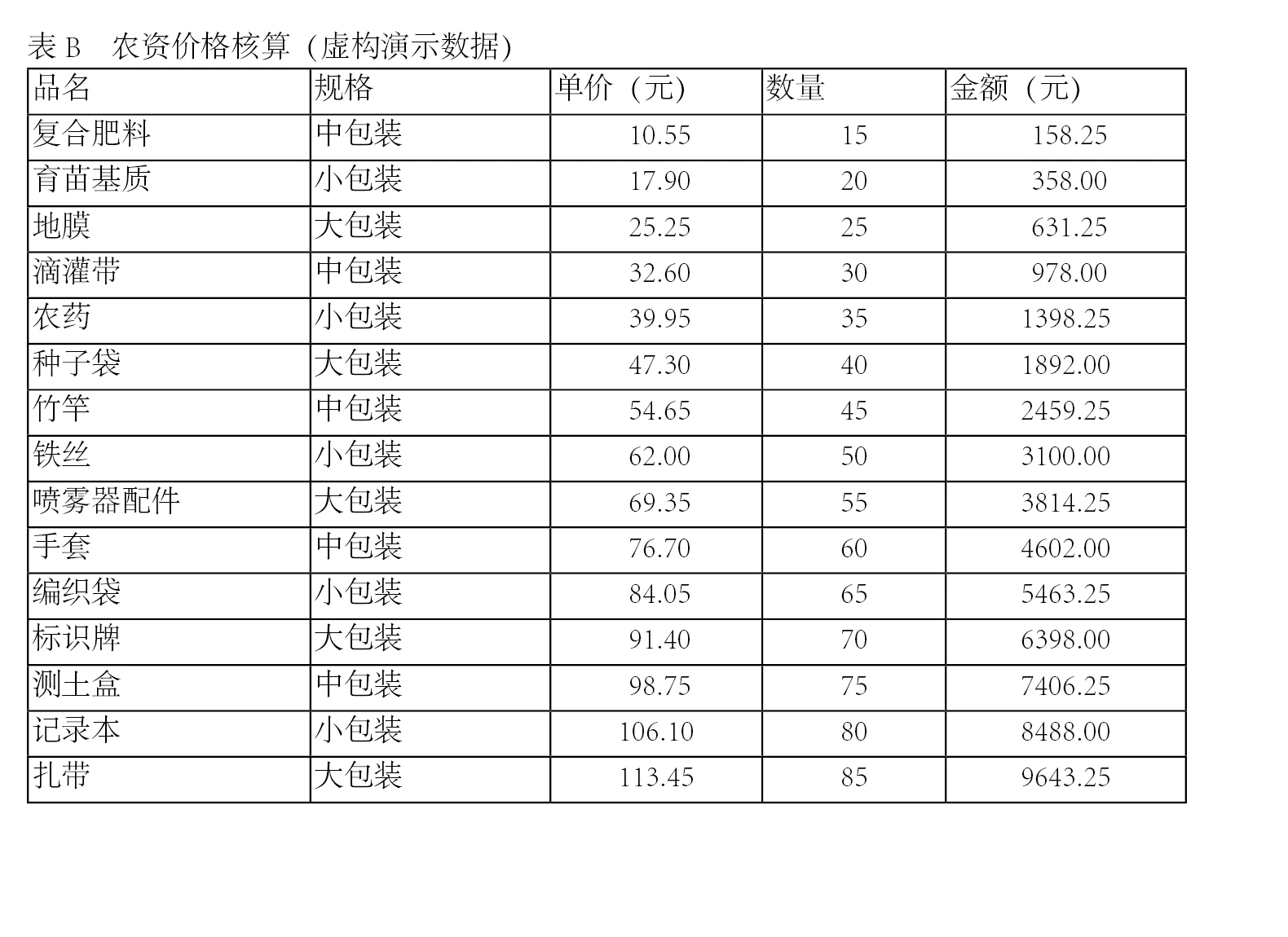
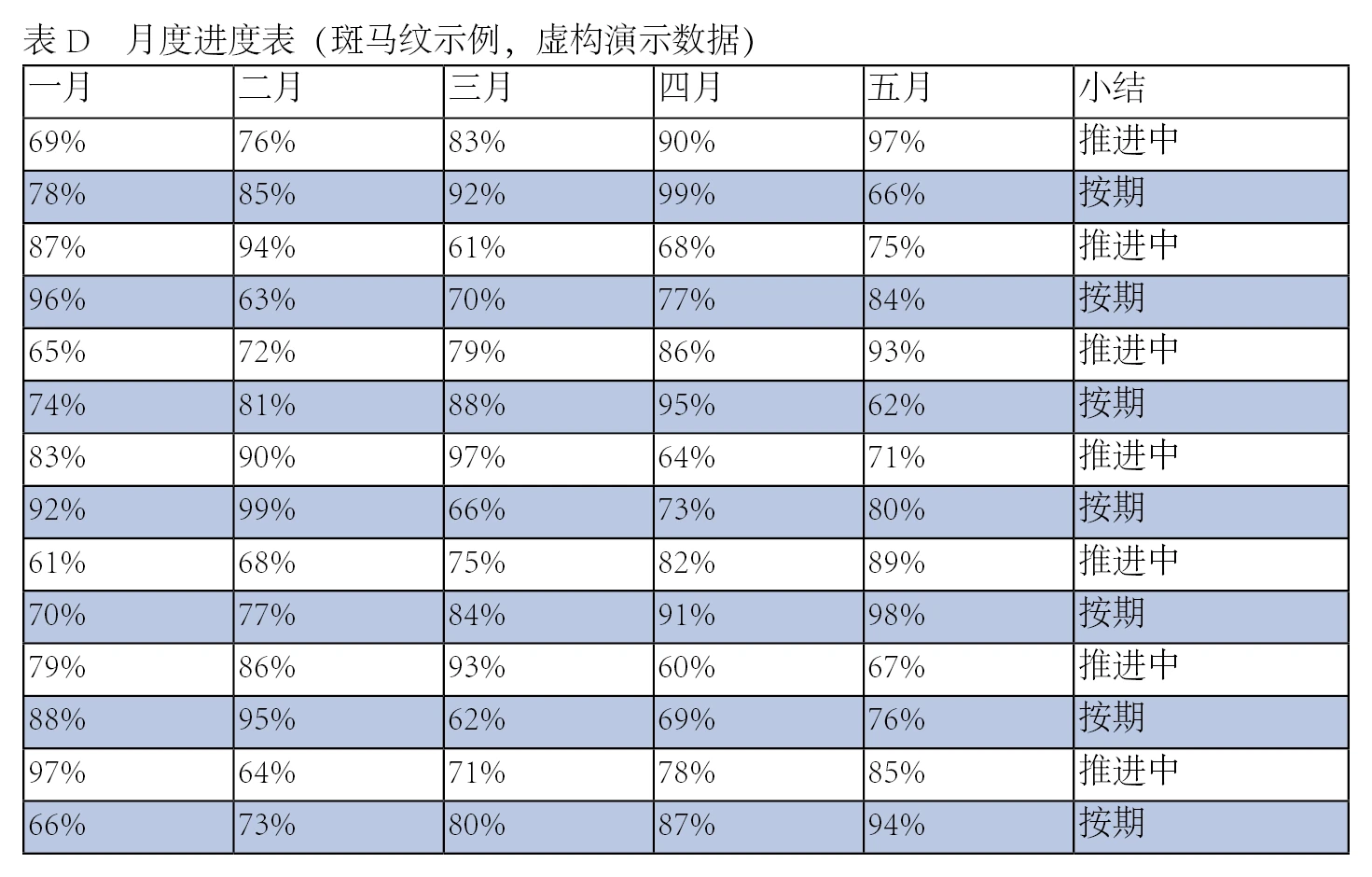
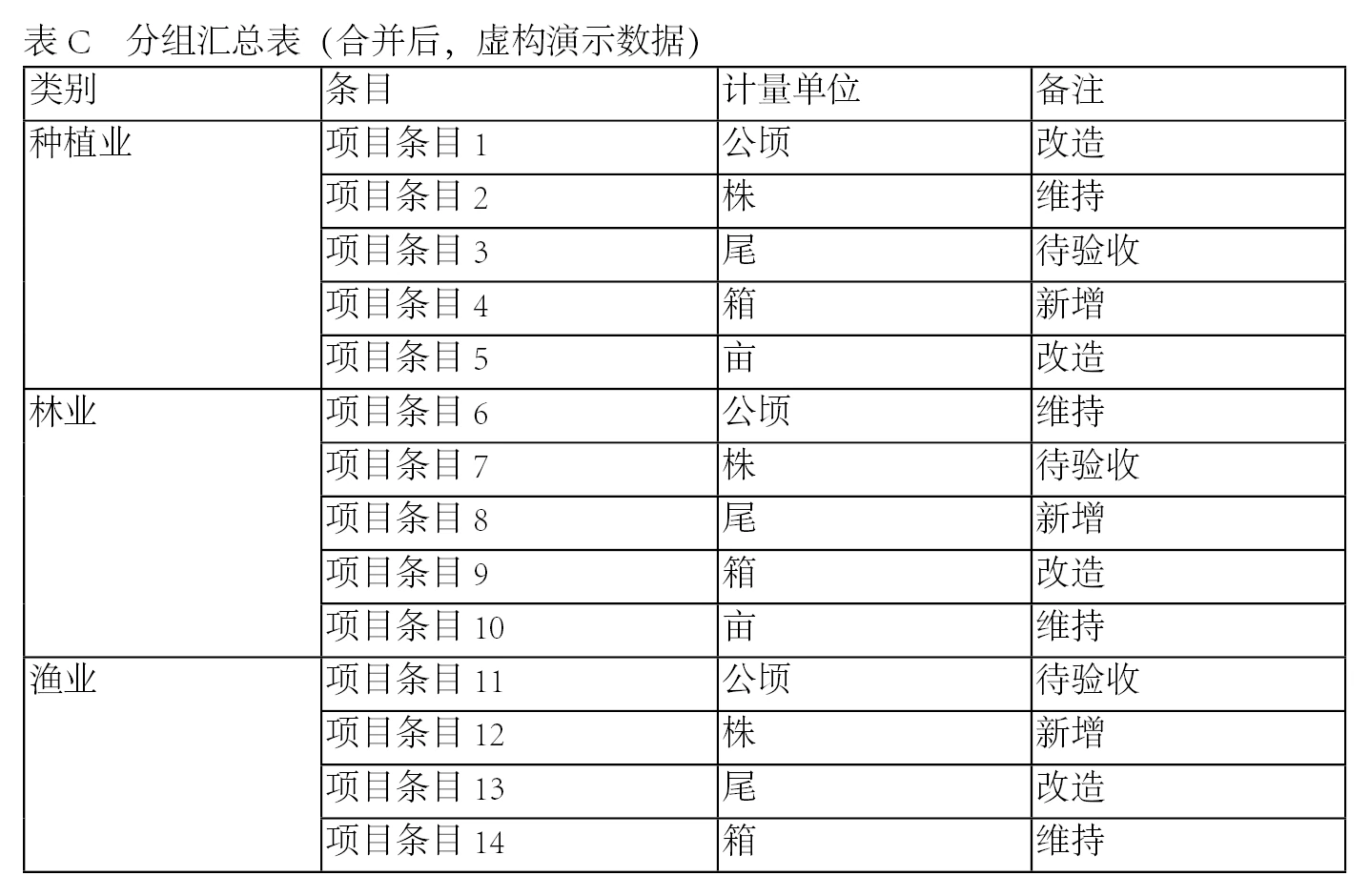
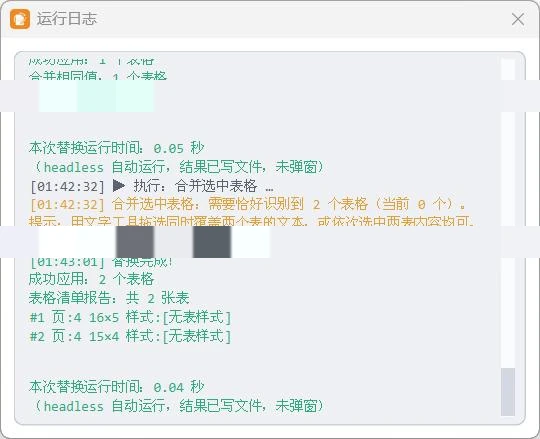
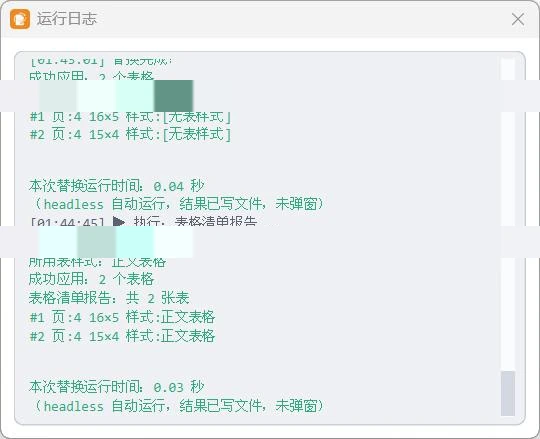
Every batch ends with an inventory: page, rows and columns, style and cross-page status per table; the log names each item (click to enlarge).
Float toolbox, batch dialog (nine parameter groups for a whole book) or the Scripts panel; all three use the same action set.
The parameter bar follows the selected action; frequently used combinations can be saved as presets and recalled in one click.
Results are applied to the open document immediately; each run counts as one undo step.
Page, dimensions, style and cross-page status per table; failures are listed individually and can be re-run.
All actions run in InDesign on this machine; documents do not leave the machine. Network access is used only for licence verification and update checks.
Unbind the original device first, then enter the card key on the new device. Purchases made through a website account can also use “Rebind to this machine” in the account centre (once every 30 days).
InDesign 2025 (v20.x). Compatibility notes will accompany future releases; see the update notes.
Each run counts as one undo step; with “Save a copy” enabled, every run keeps an independent time-stamped backup (latest five retained) that can be restored at any time.
XLSX import is supported through the native InDesign channel with automatic mapping of merged cells; each table can be exported to its own worksheet. RTF text and the table inventory report are also available.
The download is available immediately after payment and can be retrieved again under Account → My tools.
 Beijing Public Security Filing 11010502063040